Skip to content

WhatsApp marketing

WhatsApp marketing that keeps clients coming back

Set up WhatsApp Business properly, reply faster and send reminders and offers to people who opted in, so first visits become regular ones.
  • Opt-in lists only
  • Automatic reminders
  • Approved message templates
Person typing a message on a smartphone

What it is

What is WhatsApp marketing?

WhatsApp marketing is using WhatsApp to talk to customers: answering enquiries, confirming bookings, sending reminders and sharing offers with people who have agreed to hear from you.

Small businesses can start with the free WhatsApp Business app. As message volume grows, the WhatsApp Business Platform (API) adds automation, multiple team members and approved message templates for reminders and campaigns.

  • Messages must only go to people who opted in
  • Automated reminders reduce no-shows
  • It turns enquiries from ads and your Google profile into bookings

A rebooking flow

  1. VisitA client finishes their appointment
  2. Thank youA thank-you message with a review link
  3. ReminderA gentle reminder when they're due again
  4. RebookThey reply to book their next visit

Message types

The kinds of messages WhatsApp allows

On the WhatsApp Business Platform, business-started messages use approved templates in categories set by Meta.

  • Utility

    "Your appointment is confirmed for Saturday at 11 am."

    Confirmations, reminders and updates about an existing booking.

  • Marketing

    "Weekday special: 20% off hair spa this week. Reply to book."

    Offers and news, only for people who opted in.

  • Service

    "Yes, we have a slot at 4 pm today. Shall I book it?"

    Replies within the customer service window after a client messages you.

  • Authentication

    "Your login code is 482913."

    One-time codes, used if you have an app or booking portal.

Offer amounts in examples are illustrations only. Meta reviews templates and charges per conversation by category; we set this up for you.

What's included

What our WhatsApp marketing includes

DeliverableWhat you getHow often
Account setupWhatsApp Business app or Business Platform (API) set up and verifiedAt the start
Quick replies & catalogueReady answers, service list and pricesAt the start
AutomationsBooking confirmations, reminders and thank-you messagesSet up, then ongoing
Contact listsOpted-in client lists, organised by service and last visitOngoing
CampaignsOffers and updates to opted-in clientsMonthly
ReportMessages, replies and bookings trackedMonthly

How it works

How we set up WhatsApp marketing

  1. Phase 1

    Review

    We look at how your team uses WhatsApp today.

    A list of quick wins
  2. Phase 2

    Set up

    Business profile, quick replies, catalogue and opt-in collection.

    A professional WhatsApp presence
  3. Phase 3

    Automate

    Confirmations, reminders and thank-you messages switched on.

    Fewer no-shows and missed replies
  4. Phase 4

    Campaign

    Regular offers to opted-in clients, measured.

    More repeat bookings

Cost

What affects the cost

Costs include our setup and management, plus Meta's conversation charges if you use the Business Platform.

Get a quote for your business
  • App or API

    The free app suits small teams; the API suits automation at scale.

    Business appBusiness Platform
  • Automations

    Simple reminders or connected booking flows.

    A few flowsConnected to bookings
  • Message volume

    Meta charges per conversation on the platform.

    Low volumeHigh volume
  • Campaign frequency

    How often you send offers to opted-in clients.

    OccasionalRegular

Practical guide

Using WhatsApp well

Signs you need it

  • Enquiries get missed or answered late
  • Clients forget appointments
  • Regulars drift away without a reminder
  • Your team copies and pastes the same answers all day

Common mistakes

  • Messaging people who didn't opt in
  • Sending offers too often
  • Using a personal number for the business
  • No templates for common questions

How we measure success

  • Reply time to new enquiries
  • Confirmed and rescheduled bookings
  • Repeat visits from reminder campaigns
  • Opt-outs kept low

Your options

Running WhatsApp: three ways

Do it yourself

Replies
Whenever someone is free
Reminders
Manual, often forgotten
Compliance
Risk of bulk messaging bans
Measurement
Not tracked

Freelancer

Replies
Varies
Reminders
Sometimes
Compliance
Varies
Measurement
Rarely

Fareworks

Replies
Quick replies and automations
Reminders
Automatic before every visit
Compliance
Opt-in lists and approved templates
Measurement
Replies and bookings tracked

For spas and salons

WhatsApp for spas and salons

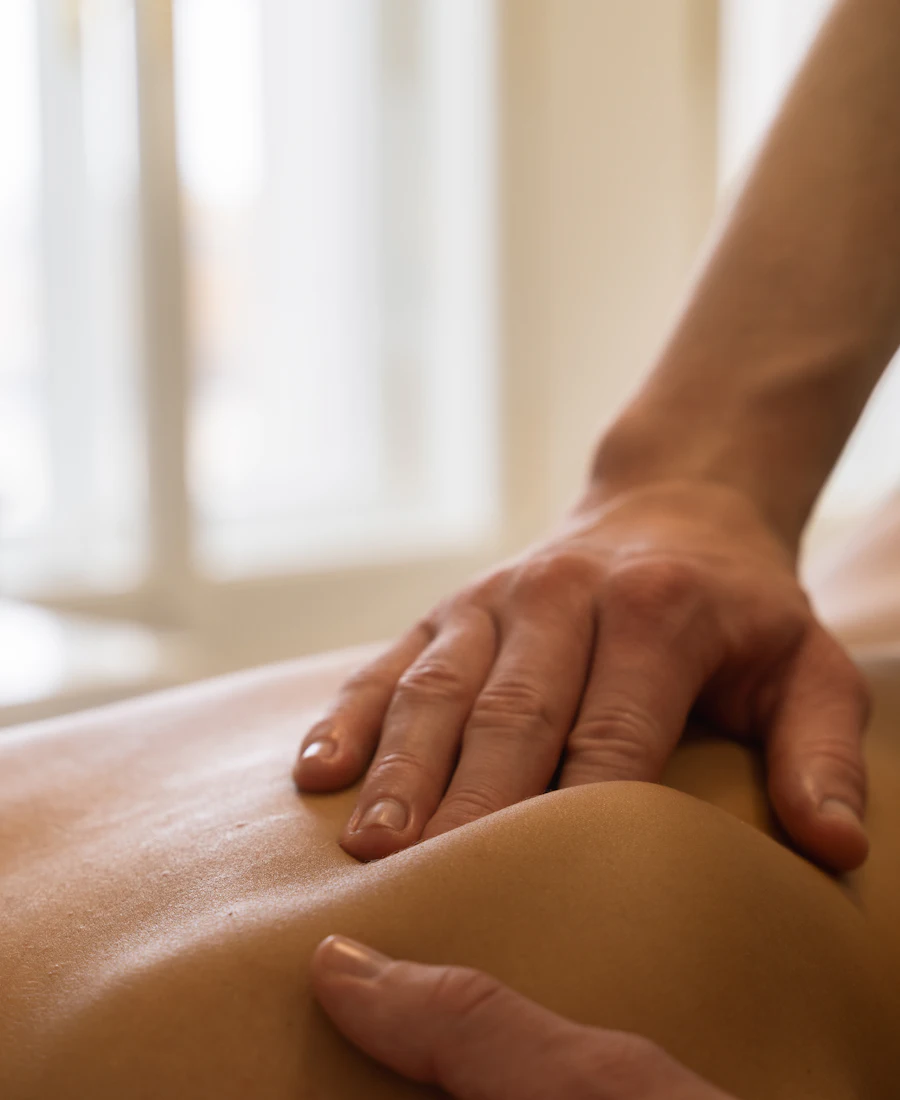
Therapist giving a back massage

For spas

  • Booking confirmations and reminders
  • Package and membership renewals
  • Birthday and festive offers for opted-in clients
Spa marketing →
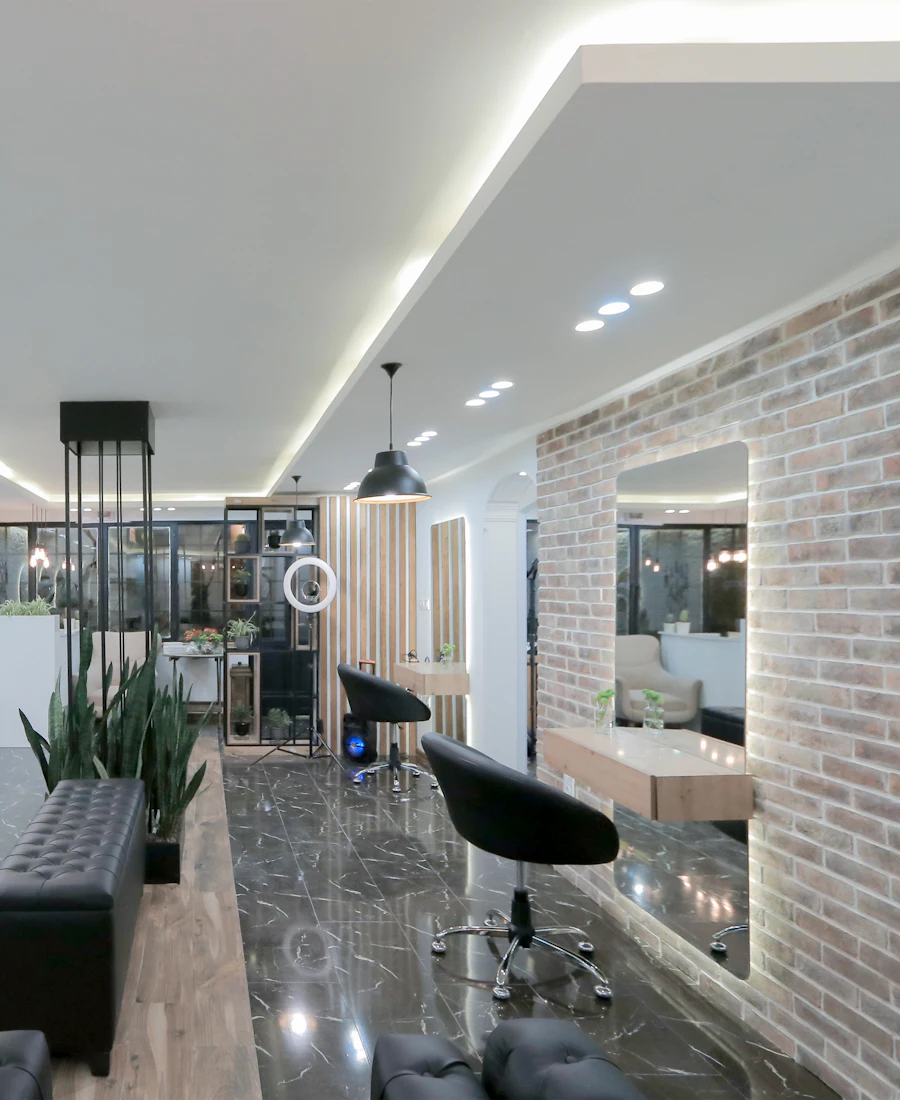
Modern unisex salon with chairs and round mirrors

For salons

  • Next-cut and nail refill reminders
  • Weekday chair-fill offers
  • Bridal enquiry follow-ups with portfolio links
Salon marketing →

WhatsApp Marketing by city

WhatsApp marketing in your city

City pages cover local searches, neighbourhoods and competition. Bangalore is first; more cities follow.

We work online with businesses across India, wherever you are.

FAQ

WhatsApp marketing: frequently asked questions

Ask on WhatsApp

What is the difference between WhatsApp Business and the API?

The app is free and simple; the Business Platform (API) adds automation and scale.

  • App: one phone, quick replies, catalogue and labels
  • Platform: automation, team inboxes and approved templates
  • We recommend one after reviewing your volume

Can I send messages to all my contacts?

Only to people who have agreed to hear from you.

  • Bulk messaging without opt-in can get your number restricted
  • We help you collect opt-ins at booking
  • Campaigns use approved message templates

Does WhatsApp charge for messages?

On the Business Platform, Meta charges per conversation by category.

  • The Business app itself is free
  • Charges depend on category and country
  • We explain expected costs before you start

Can WhatsApp reminders reduce no-shows?

Reminders before appointments help clients remember and reschedule in time.

  • Sent automatically before each visit
  • Clients can reply to reschedule
  • Works best connected to your booking system

Can it connect to my booking software?

Often, yes, depending on your software.

  • Many booking tools support WhatsApp integrations
  • We can also build custom booking software
  • See website development

Free audit

Bring past clients back with WhatsApp

We'll review how you use WhatsApp today and suggest simple automations.

  • Honest review of where you stand
  • Clear priorities, not a sales pitch
  • No obligation to sign up
  • No spam
  • Quick response
  • Clear next steps